Active Codes
Six codes are live as of September 18, 2026. Every one of them is entered in the game; none of them require an account on a third-party site.
| Code | Reward | Status |
|---|---|---|
| aniimolaunch2026 | 50 Glimmer, 5 Growth Flower, 5 Aniipod Pro | Working |
| ANIIMOGIFT | 10 Glimmer, 20,000 Credits, 10 Growth Flower, 5 Aniipod Pro | Working |
| Aniimo2026 | 20 Glimmer | Working |
| aniimoopenworld | 10,000 Credits, 5 Aniipod | Working |
| twinewithaniimo | 10,000 Credits, 5 Aniipod | Working |
| anyoneaniimo | 10,000 Credits, 5 Aniipod | Working |
Claimed in one go, the six codes are worth 80 Glimmer, 50,000 Credits, 15 Aniipod, 10 Aniipod Pro and 15 Growth Flower.
None of the launch codes carries a stated end date, so the safe assumption is the pessimistic one: these are claimed in game with no notice given when one is retired, and the launch window is exactly when new ones are being handed out. Enter them while they are listed here.
What Each Code Gives You
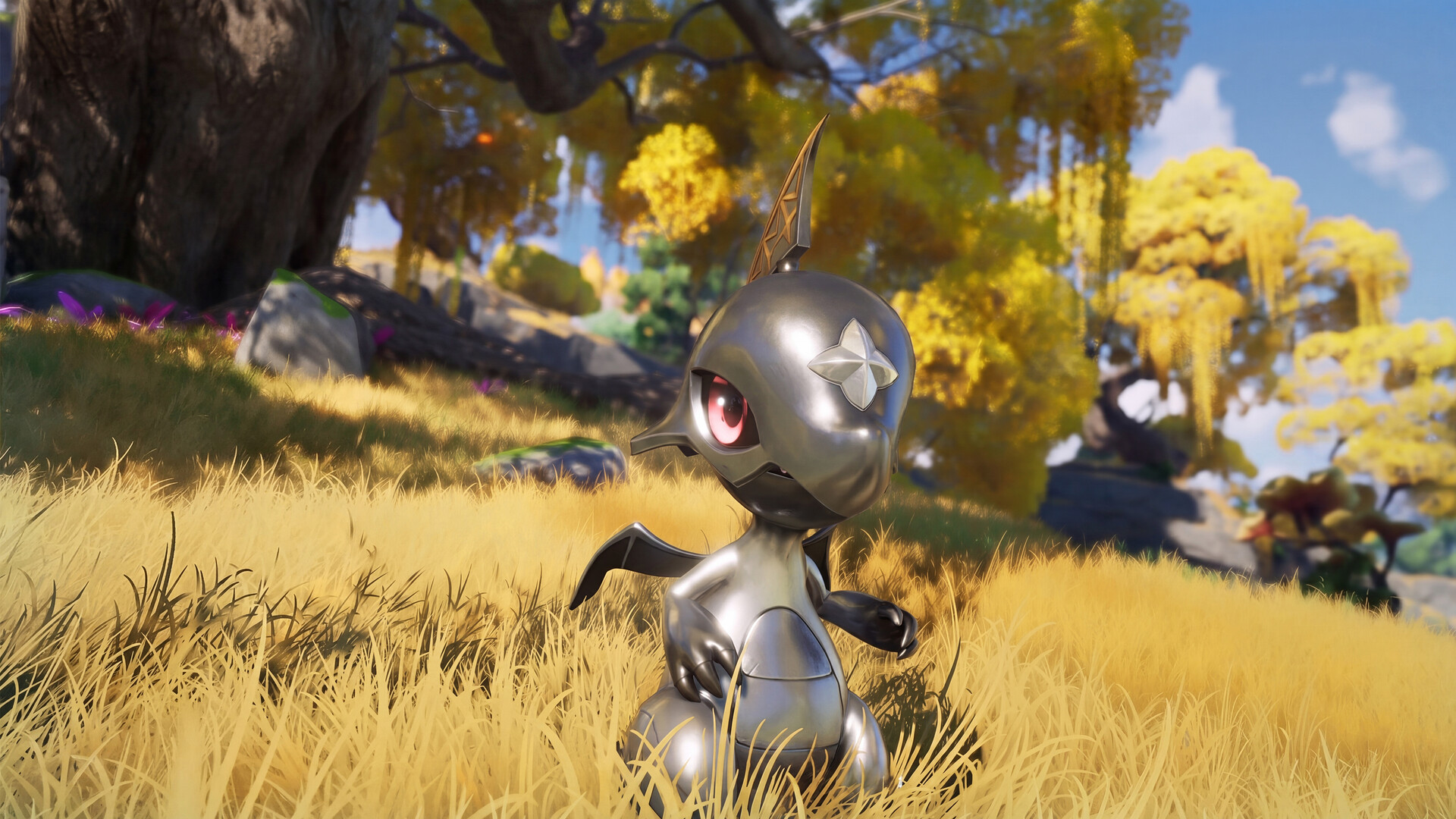
Glimmer and Aniipod batches are what every launch code hands out — the two things you would otherwise farm or buy.
Three of the four reward types are documented on the official side of the game, which is worth knowing because it tells you which codes actually matter to you:
- Glimmer — a currency, listed among the official launch reward tiers and spent in the in-game shop. Codes are one of the few free sources of it: aniimolaunch2026 alone hands over 50.
- Credits — the ordinary in-game currency, paid out by three of the six codes at 10,000 each.
- Aniipod and Aniipod Pro — the catching tools. The official probability page lists a plain Aniipod at ×1 catch chance and an Aniipod Pro at ×1.5, so the five Pro in a code are five attempts at a better rate, not a cosmetic.
- Growth Flower — a raising material, handed out in two batches: 5 with aniimolaunch2026 and 10 with ANIIMOGIFT.
How to Redeem a Code
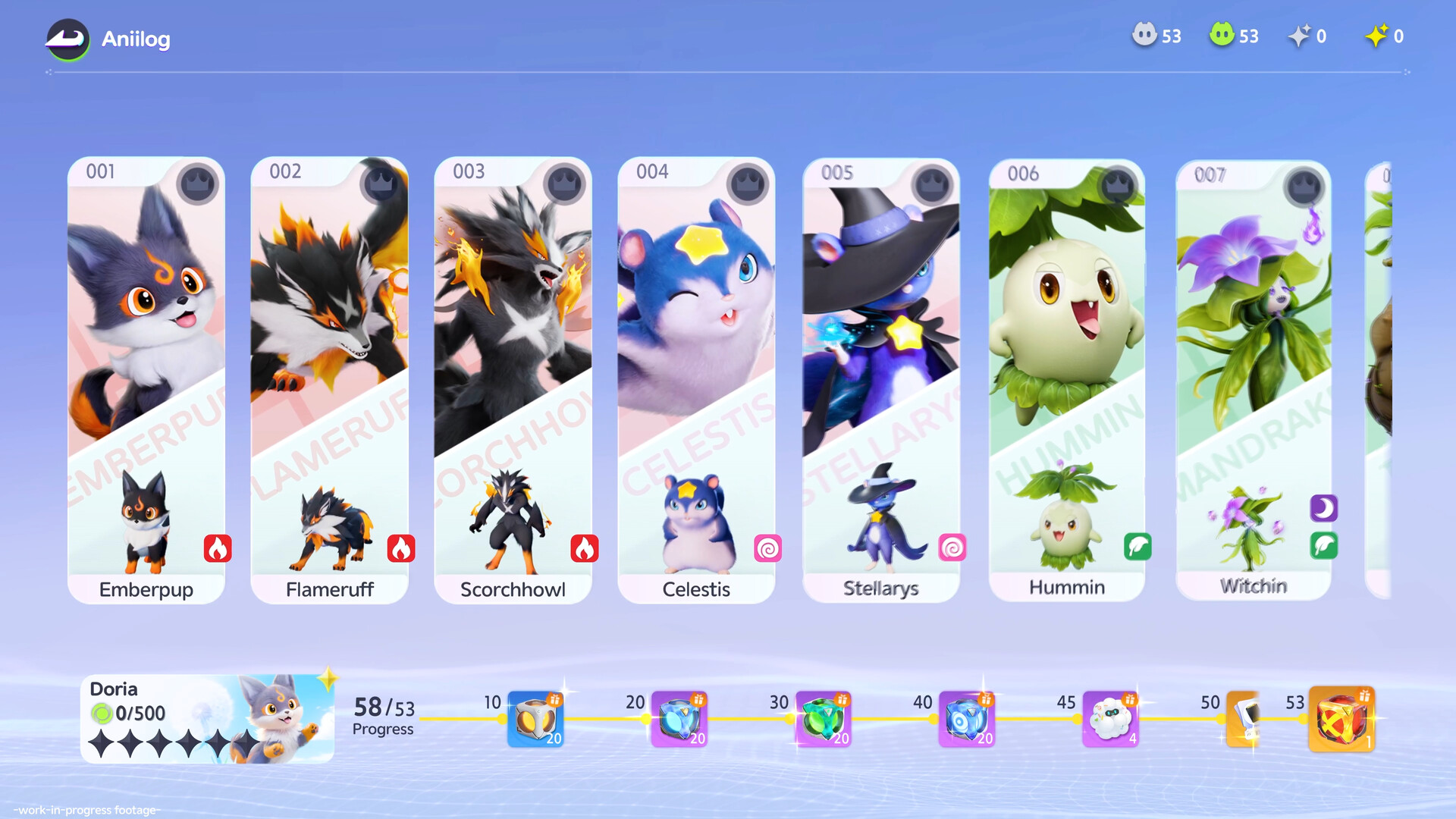
The redeem field sits in the Account tab of Settings; the Mailbox sits in the same menu column, and that is where the reward waits.
The redeem field is a few layers deep, which is why people conclude that codes do not work. Follow it exactly:
- Open the in-game menu and click the gear icon to enter Settings.
- Select the Account tab.
- Choose Gift Code Redemption.
- Enter the code and press Redeem. Copy and paste rather than retyping it — codes are exact strings.
- Leave Settings and open your Mailbox (the mail icon beside the gear on the main menu). The reward arrives as a mail item; claim it there.
Codes can be entered as soon as you reach the main menu with a character created, but the Mailbox unlocks a little later — once the opening story takes you to Bloomville. Enter a code early and the reward is not lost: it is simply waiting in the Mailbox the moment that function opens. Log in with an email address you control rather than a third-party sign-in, so the account holding your rewards is one you can recover.
Why There Were No Codes Before Launch
Until the global launch, Aniimo did not use redemption codes at all. Every promotional reward was credited straight to the in-game mailbox: pre-registration milestone rewards, the pre-launch web event where you logged in daily to hatch an Aniimo, and the beta-test reward packages were all delivered that way, with nothing to type.
The official launch notes still describe the same principle — in-game rewards are issued through official events and in-game mail. The gift-code system was added on top of that when the game went live on PC and console on September 16, 2026, which is why any page telling you codes "have existed since the beta" is simply wrong about this one game. Mobile opens on September 23 and shares data with PC, so codes redeemed now carry over to the same account.
Invite Links Are Not Redeem Codes
The launch event Aniimo Together invites you to log in daily for supplies and to form a squad for rewards including Aniipod Ultra. That is an event, not a code field: the rewards are credited to your account through the event, and the string you share to pull a friend into your squad does not belong in Gift Code Redemption. If a page calls a squad or invite string a "code", it is describing the wrong feature.
Where New Codes Appear First
New codes are published by the developer on the official channels — the news centre on the official site, the official X account and the official Discord. This page is rechecked daily and the table at the top is the current list; a code is dropped from it once it stops working.
Code Not Working?
Four causes cover almost every failed redeem:
- A typo. These strings mix letters and digits — a lowercase L against a 1, or an O against a 0, is the usual culprit. Copy and paste instead.
- Already claimed on the account. A code pays out once per account. If you redeemed it on PC, it is spent.
- The Mailbox is still locked. The code may have been accepted while the reward sits uncollected until Bloomville.
- Retired without notice. Launch codes stop working when the developer drops them, and no announcement is guaranteed.
FAQ
Does Aniimo have redeem codes?
Yes. Six were live as of September 18, 2026: aniimolaunch2026, ANIIMOGIFT, Aniimo2026, aniimoopenworld, twinewithaniimo and anyoneaniimo. Before the global launch on September 16 there was no code system at all — rewards went to the in-game mailbox.
Where do I enter an Aniimo code?
In the game: menu → gear icon (Settings) → Account → Gift Code Redemption. There is no web redemption page, and no code requires your password anywhere.
Do the codes expire?
No expiry date has been published for any of them. They are retired without notice, which is why the launch window is the moment to use them.
How much Glimmer do the codes give in total?
80 Glimmer across three codes: 50 from aniimolaunch2026, 20 from Aniimo2026 and 10 from ANIIMOGIFT.
Will my codes work on mobile?
PC and mobile share the same data on one account, so the codes you redeem now are credited to the character you carry onto mobile when it opens on September 23. Redeeming the same string twice is not possible — a code pays out once per account.